
Pay your suppliers in local currency with ease.
Instant conversions. Easy, simple, reliable and all from a single location.

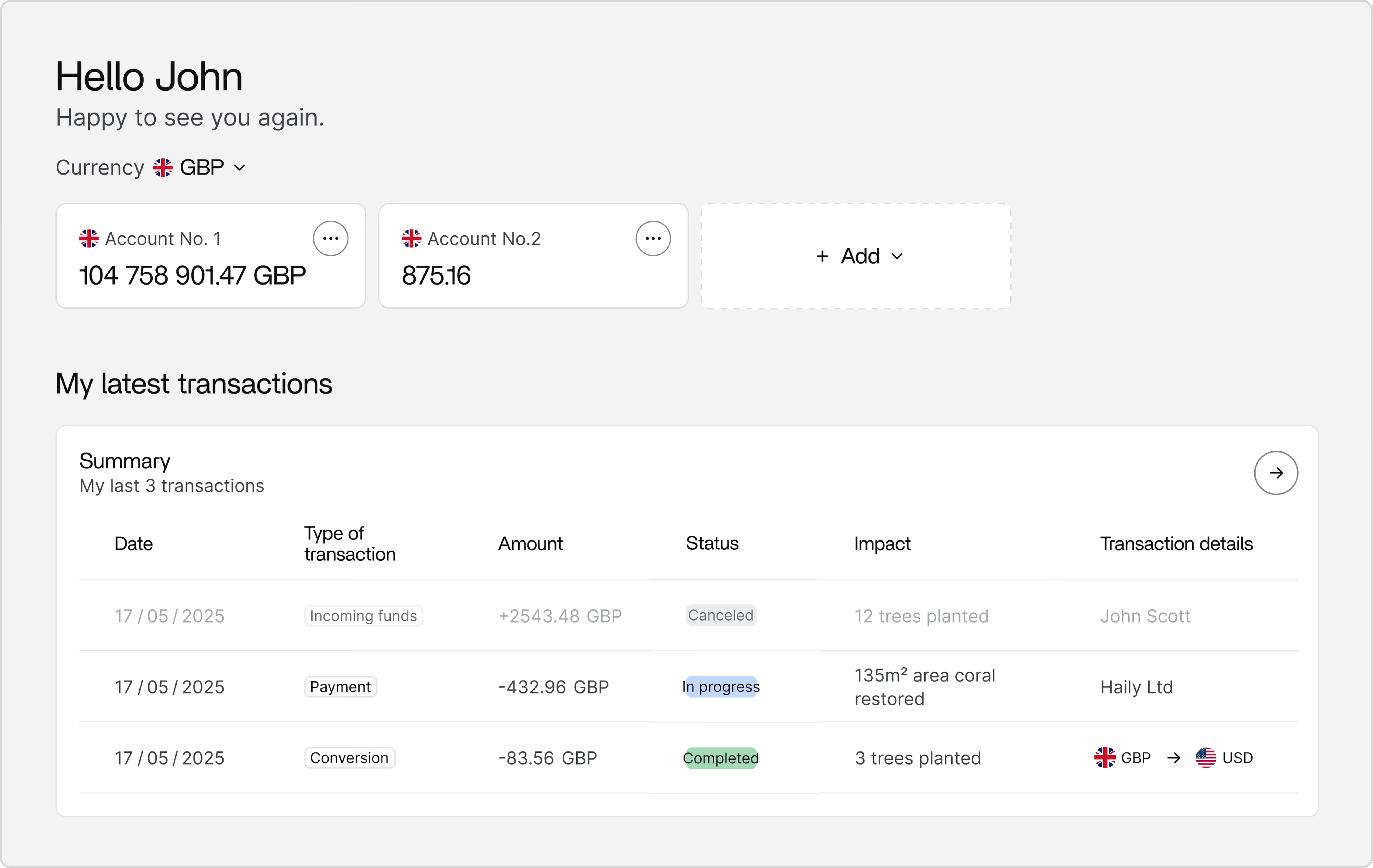
Benefits of using Keewe and Apple Pay

Pay easily. Pay fast.
With Apple Pay, you can pay quickly and easily with your Keewe card right from your iPhone or Apple Watch.

Extra security. Built right in.
Apple Pay uses the security features built into your Apple device, including Face ID and Touch ID—which are designed so only you can authorize payments.

No wallet? No problem.
Go ahead, leave your wallet at home. With Apple Pay, you can pay with your Keewe card right from your iPhone or Apple Watch.
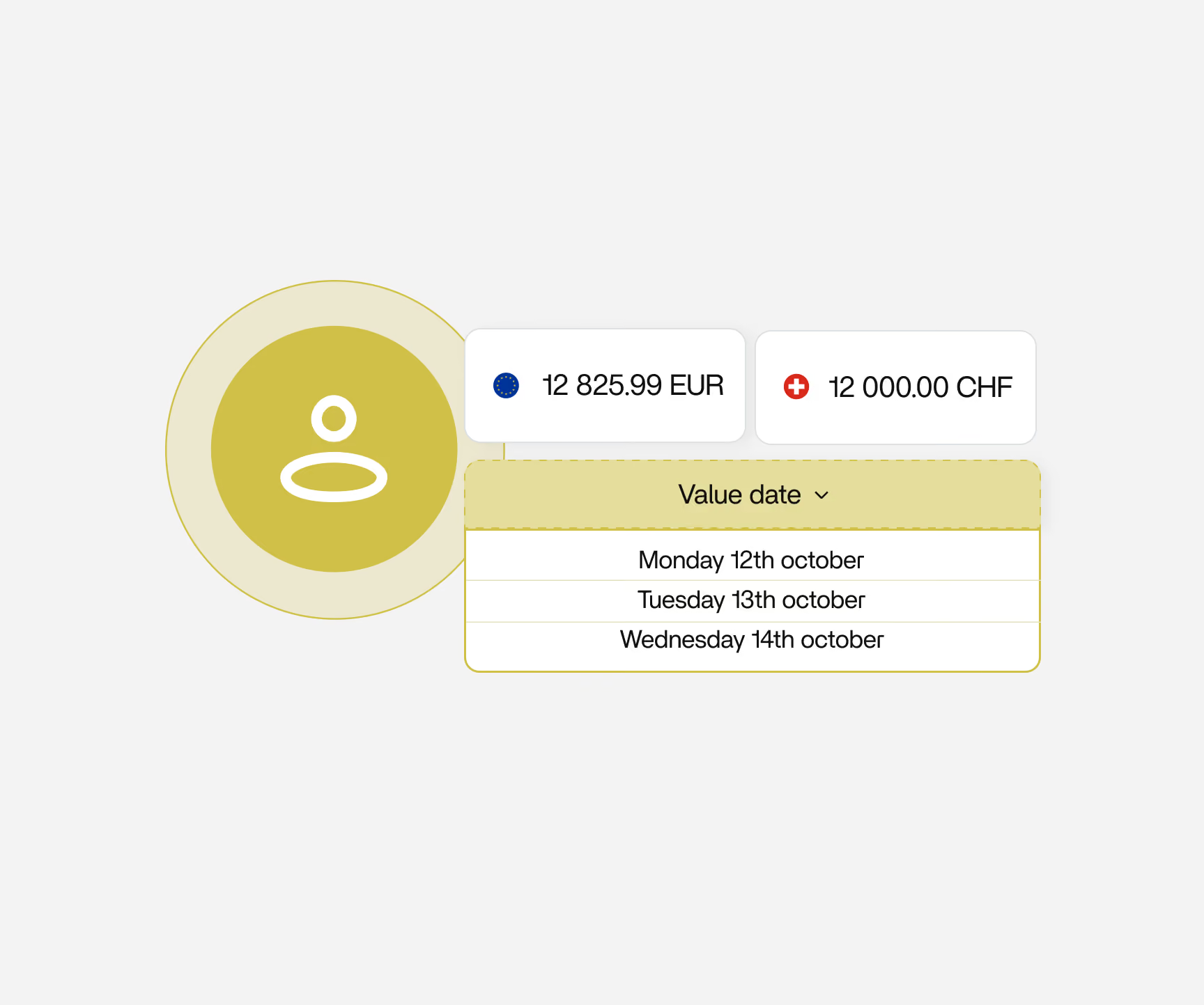
Respect payment deadlines.
With Keewe, you can set the transfer date and open dedicated accounts in more than 30 currencies, ensuring security and execution quality. Send payments to suppliers anywhere in the world, in their local currency, with no transfer fees on issue, in transit or on receipt.
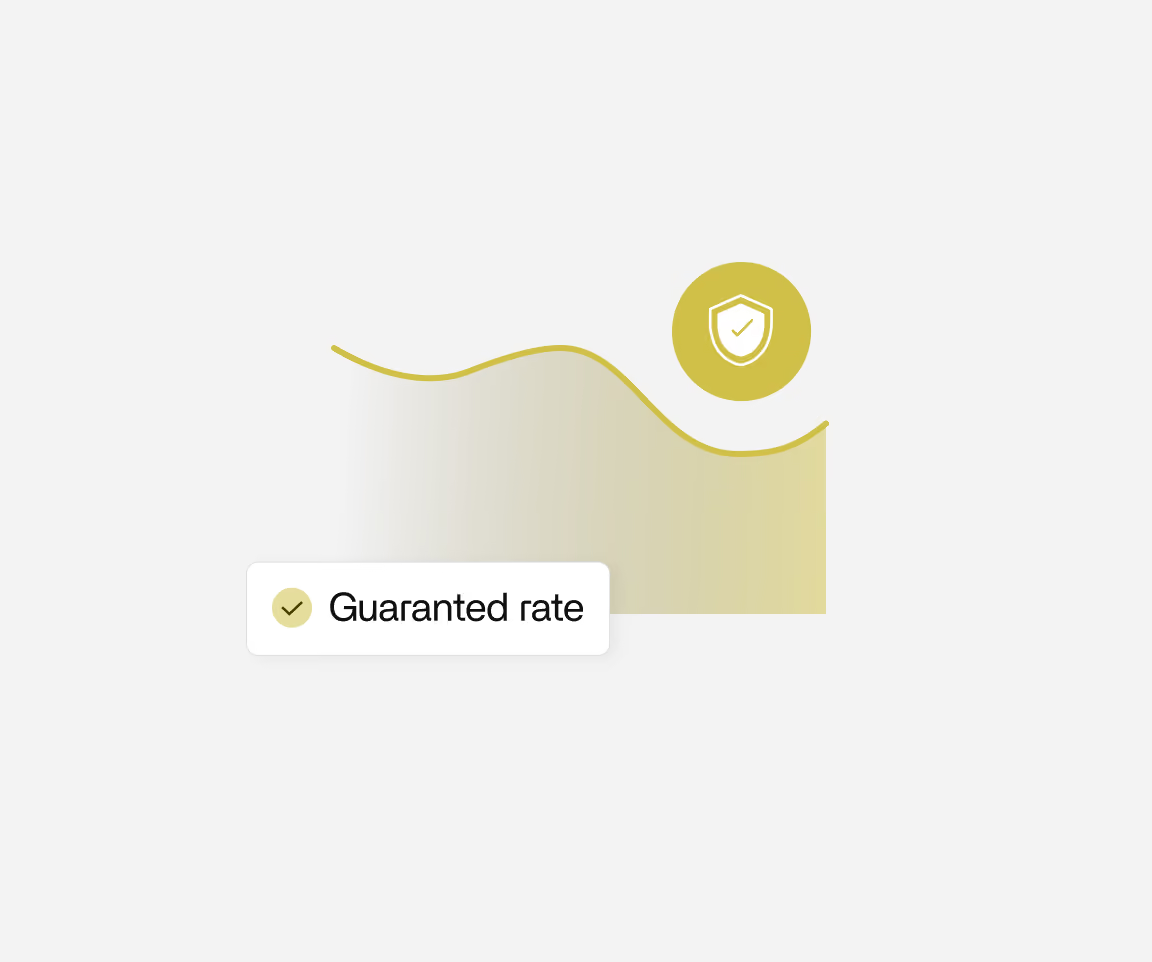
Protect your business against currency volatility.
Access flexible hedging tools, designed for SMEs and mid-sized companies, that allow every business to secure foreign currency transactions and protect margins with full autonomy.

.png)
Pay with just a tap.
With iPhone
Double-click the side button, authenticate with Face ID, Touch ID, or your passcode, then hold your device near the reader to pay.
With Apple watch
Just double-click the side button, then hold your device near the reader to finish your purchase.
How long does it take to open an account?
Open online, submit documents, and start using your account within 48h. Our onboarding team is available to guide you through each step of the process.
Which currencies does Keewe offer?
30+ currencies for accounts and holdings, and over 140 currencies for payments, covering major markets as well as emerging economies.
What fees will I pay with Keewe?
No fixed fees. Revenue comes solely from currency exchanges. No hidden costs. No transfer fees on issue, in transit or on receipt.
Can anyone make a payment from the platform?
No. Keewe uses role-based rights and four-eyes principle. Some transactions require double approval to ensure full security and control over your international operations.
What should I do if y card is lost or stolen?
If your card is lost/stolen, you can lock it or terminate it using the Keewe web or mobile app. To lock the card, sign into the Keewe web or mobile app, navigate to the relevant card in Wallet, and tap “Lock card”. To terminate the card, tap the three dots on the right and press “Terminate card”.
You can also ask an admin from your organization to replace your card using the admin app. If the card is replaced rather than terminated, it can automatically be used with Apple Pay without going through the activation process.
How many cards can I have per device?
With iOS15, you can have up to 8 cards on iPhone 7 and iPhone 6S, up to 12 cards on iPhone 8, and up to 16 cards on iPhone XS and later.